
Make Room for GTA 6 Without Losing Your Old Clips
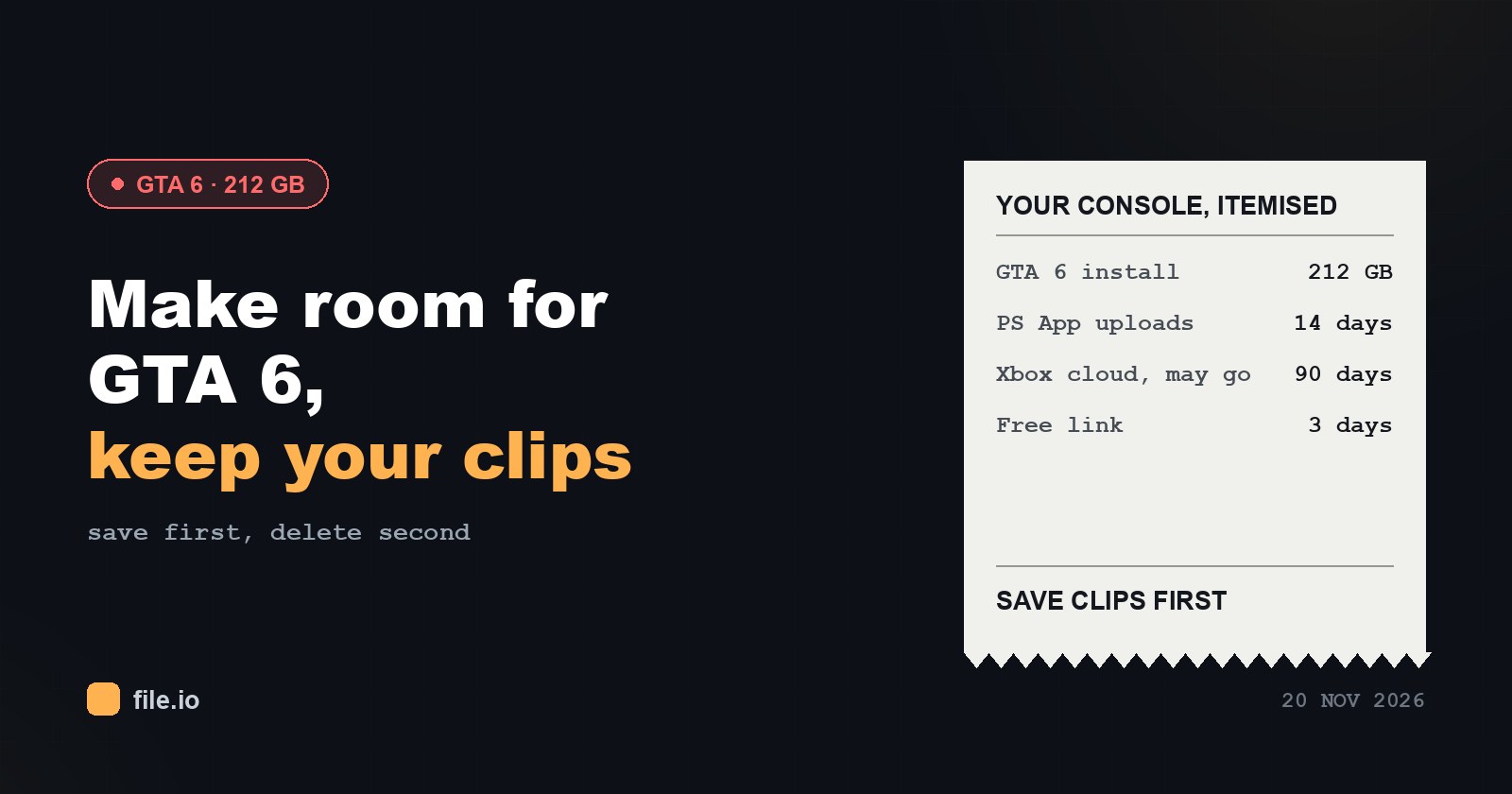
Here is the arithmetic most people run into on launch day, before any clip-saving advice makes sense.
| Console | Usable space when empty (press figures) | GTA 6 requirement |
|---|---|---|
| PS5 (launch model, 825 GB) | about 667 GB | 212 GB free |
| Xbox Series X (1 TB) | about 802 GB | 212 GB free |
| Xbox Series S (512 GB) | about 364 GB | 212 GB free, more than half the drive |
The 212 GB minimum comes from the PlayStation Blog post of 3 November 2026, and Rockstar quotes the same figure for every console. The download is roughly 210 GB, day-one patches add a few GB, and a sensible cushion for later updates is another 20 GB. If you want to plug in what is actually left on your own console, the GTA 6 storage calculator does the math for you.
On a full console, the quick fix is to delete things. The problem is that captures are usually the first casualty, and they are the one thing you cannot download again.
Three clocks that are already ticking
Your clips might feel safe because they exist “somewhere in the cloud.” Each of those somewheres has a timer.
- PlayStation App: 14 days. Clips that reach the app are kept there for two weeks, then they are gone.
- Xbox network: up to 90 days. Uploaded captures may be deleted after 90 days.
- A free LimeWire link: 3 days. Handy for passing a file to yourself or a friend, but not an archive. Files up to 4 GB on a free link; Pro goes to 250 GB and Pro Plus to 500 GB with an expiry you choose.
None of these is storage you own. The rule of thumb: get the file onto a phone, a PC or an external drive, and only then free up console space.
Rescuing PS5 clips before the purge
The PlayStation App route works without PS Plus, but only for clips of up to 3 minutes at 1080p.
- On the console, go to Settings > Captures and Broadcasts > Captures and turn on Auto-Upload.
- Leave the PS5 in rest mode with Stay Connected to the Internet enabled.
- In the PlayStation App on your phone, open Library > Captures and tap Download on each clip.
Auto-upload only covers clips recorded after you switched it on. For your older captures, open Media Gallery on the console and choose Upload to PlayStation App one by one.
Anything recorded in 4K, or longer than 3 minutes, never reaches the app. Those need a USB drive: Media Gallery > Options > Copy to USB Drive, with the drive formatted as exFAT or FAT32. Our PS5 clips to phone guide covers both the app route and the no-app route.
Rescuing Xbox Series X|S clips
Xbox uploads your captures to your account, which is convenient right up until the 90-day window closes.
- On your phone, open the Xbox app and save each clip you want to keep.
- Or, on the console, turn on automatic capture upload to OneDrive in the capture settings and collect them on a PC.
- Or copy them straight from the console to a USB drive.
The Xbox clips to PC guide walks through the PC side in more detail.
Then decide what to delete
Once the clips are safely on another device, the cleanup gets much less stressful. A short order of operations:
- Confirm the copies open on the phone or PC before deleting anything on the console.
- Remove captures from the console’s Media Gallery or capture list next; they are now duplicates.
- Uninstall games you can download again later, rather than anything you recorded.
- Recheck free space against 212 GB plus your update cushion.
If you still come up short on a Series S, it is worth knowing in advance: even on an empty drive, the game claims more than half of it.
A word on sharing what you saved
Once your old clips are off the console, you may want to send a few to friends. Stick to footage from your own sessions, because shared links pointing to leaked or pirated material are taken down. If you only need to convert a PS5 WebM file for an iPhone, that is a separate question with its own guide, and the GTA 6 tools hub links to everything in one list.
A quick disclosure. Neither this site nor LimeWire has anything to do with Rockstar or Take-Two; we only build tools for moving your own footage. And yes, this is the same LimeWire that once filled family computers with files nobody remembered downloading. This time we are the ones nagging you to keep the files that matter.